Daily.co — Creating and Using Rooms
How to create, manage, and use Daily.co rooms from a Supabase edge function.
The Core Concept
When a parent schedules a parent-teacher meeting through Aurora Public School, the flow looks like this:
- Branch admin or teacher schedules the meeting — appointment is saved to your database
- Your server calls Daily.co's API to create a video room for this appointment
- The room has an expiry time — it only exists from 5 minutes before the meeting until 30 minutes after
- Your server stores the room URL alongside the appointment record
- At meeting time, both the teacher and the parent see a "Join Video Call" button that opens this URL
The room is created programmatically, tied to a real appointment, has a defined lifetime, and is inaccessible outside that window. This is production-grade video integration.
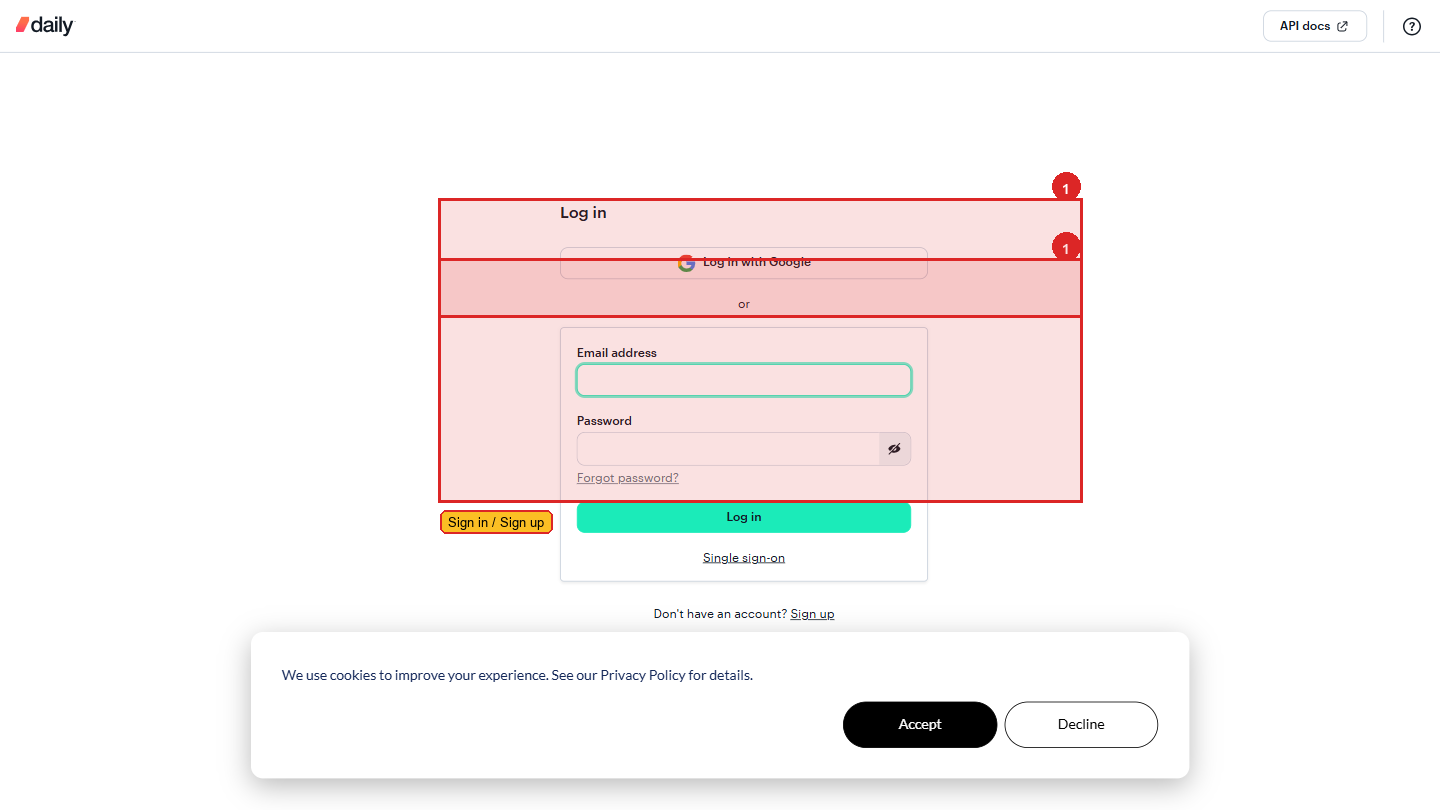 Logging in to Daily.co. After signup, this is where you land — the dashboard is one click away.
The Daily.co REST API
Daily.co uses a standard REST API. Every operation is an HTTP request to https://api.daily.co/v1/:
| Operation | HTTP Method | Endpoint |
|---|---|---|
| Create a room | POST | /rooms |
| Get a room | GET | /rooms/:name |
| List all rooms | GET | /rooms |
| Delete a room | DELETE | /rooms/:name |
| Create a participant token | POST | /meeting-tokens |
Every request needs the Authorization header with your API key:
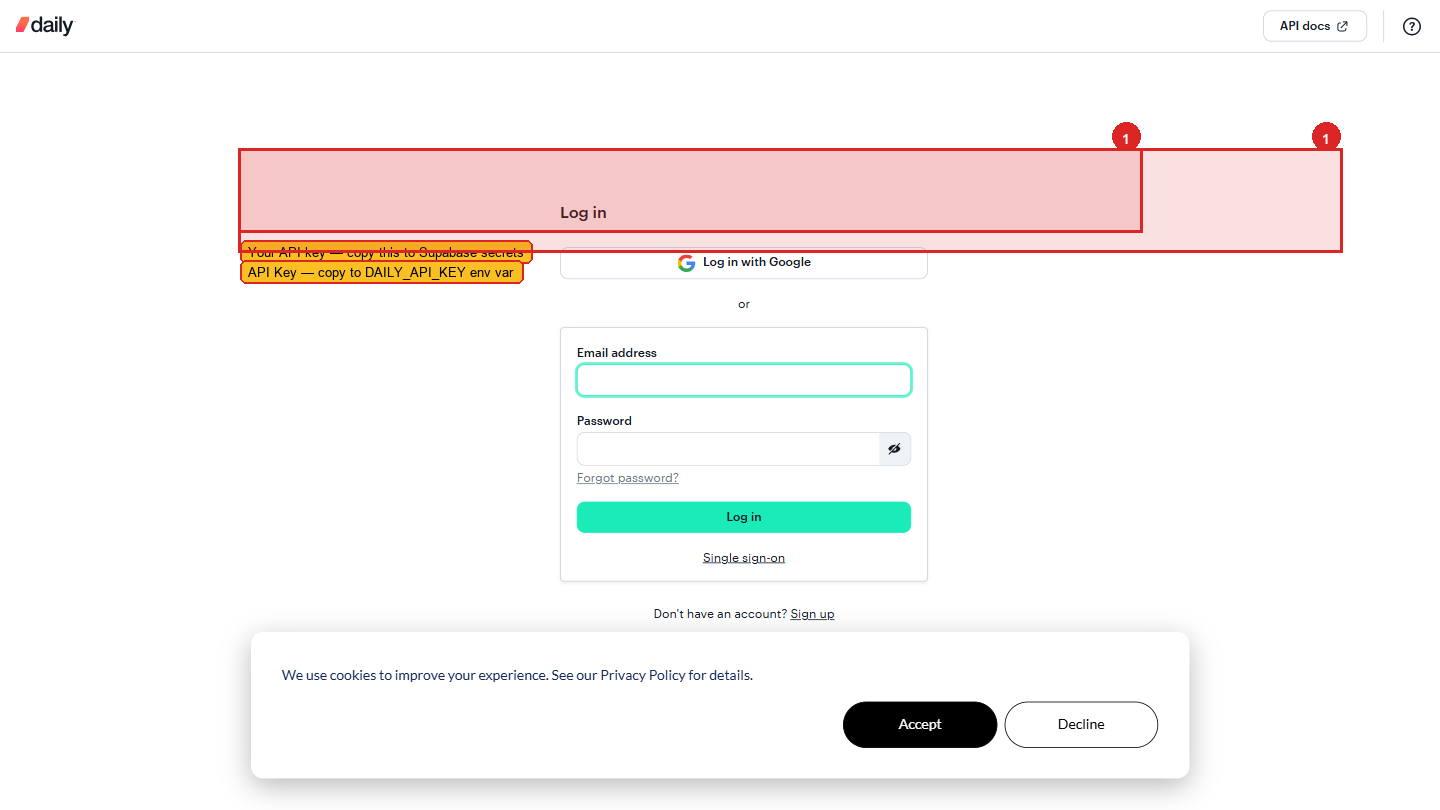 Your API key in the Daily.co dashboard (Developers → API Keys). Copy this value into your Supabase edge function secret — never into frontend code.
This is why it must come from your server — the API key must never appear in browser code.
Creating a Room — The API Request
A minimal room creation request:
The response includes:
room.name— the room name you specified (or the auto-generated one)room.url— the full URL participants visit to joinroom.config— the settings you applied
The exp Property — Expiring Rooms
The exp property is a Unix timestamp (seconds since 1 Jan 1970) after which the room is automatically deleted and no one can join.
Why this matters: Without expiry, rooms accumulate on your account forever. More importantly, a consultation room that persists after the session ends is a security concern — the CA could rejoin later and find the client already there for a different session, or vice versa.
How to calculate the right expiry:
The Edge Function — Full Example
This is the complete Supabase edge function that creates a Daily.co room when an appointment is confirmed. It runs on your server. The API key never leaves the server.
Calling the Edge Function from React
Usage in a component:
Deleting a Room
Rooms with exp set are deleted automatically by Daily.co after they expire. If you need to cancel an appointment and delete the room early:
What enable_knocking Does
When enable_knocking: true, participants who arrive at the room see a waiting screen ("knocking"). The room owner (the first person who joined, or the one with an owner token) sees a notification and clicks "Admit." This is the teacher approving the parent to enter — important for privacy in one-on-one meetings.
Think of it as the front desk of a school. The parent waits in reception. The teacher opens the door when ready.