Video Calls in Web Apps
Why video calls are essential for Indian B2B apps and the two main approaches to adding them.
Why This Feature Matters in India
Picture this scenario: A CA firm in Hyderabad signs up for your platform. Their clients are spread across three states. The CA wants to review a client's ITR before filing — share the screen, walk through numbers, get the client's sign-off. The old way: WhatsApp call (no recording, no professional feel, no integration with the platform), or Zoom (the client has to download an app, create an account, click a link from email). Both options add friction the client hasn't paid for.
Now imagine your platform has a "Start Consultation" button. The CA clicks it. A video room opens in the browser. The client gets a link by SMS. They click it on their phone. They are in the room in 8 seconds. No app download. No account creation. Fully branded. Recorded if needed.
That is the difference between a tool and a product.
This is why video call integration is one of the most requested features in Indian B2B SaaS right now — across CA consultations, legal advice, telemedicine, coaching platforms, recruitment interviews, and insurance advisory.
The Two Approaches
There are two fundamentally different ways to add video calls to your web app. Choosing the wrong one for your situation costs you time or money or both.
Approach 1: Embed an Existing Solution
You drop a pre-built video room into your page. You don't manage the video infrastructure — the provider does. You just tell it where to show up and what room name to use.
Excel analogy: This is like inserting a pre-built chart from an external source into your Excel sheet. You don't build the chart engine — you configure a few settings and it renders inside your spreadsheet. Minimal effort. Looks decent. Works immediately.
Main option: Jitsi Meet
- Open source
- Free to use at meet.jit.si (no account needed)
- An npm package (
@jitsi/react-sdk) drops a video room directly into your React component - Takes under an hour to have a working demo
- Used by governments, schools, hospitals worldwide
Approach 2: Build with a Video API
You use a cloud API to create and manage rooms programmatically. Your server creates a room, gets a URL, and gives it to your users. The video infrastructure is still managed by the provider — but you have much more control over how rooms are created, how long they last, who can join, and how participants are authenticated.
Excel analogy: This is like building your own chart from raw data you pull via an API. You control every column, every axis, every colour rule. More setup, but the result is precisely what you designed.
Main option: Daily.co
- A professional video API
- Free tier: 1,000 minutes/month (enough to test and launch small)
- REST API — your Supabase edge function creates a room, passes the URL to your frontend
- Much better for production apps with real users and real scheduled meetings
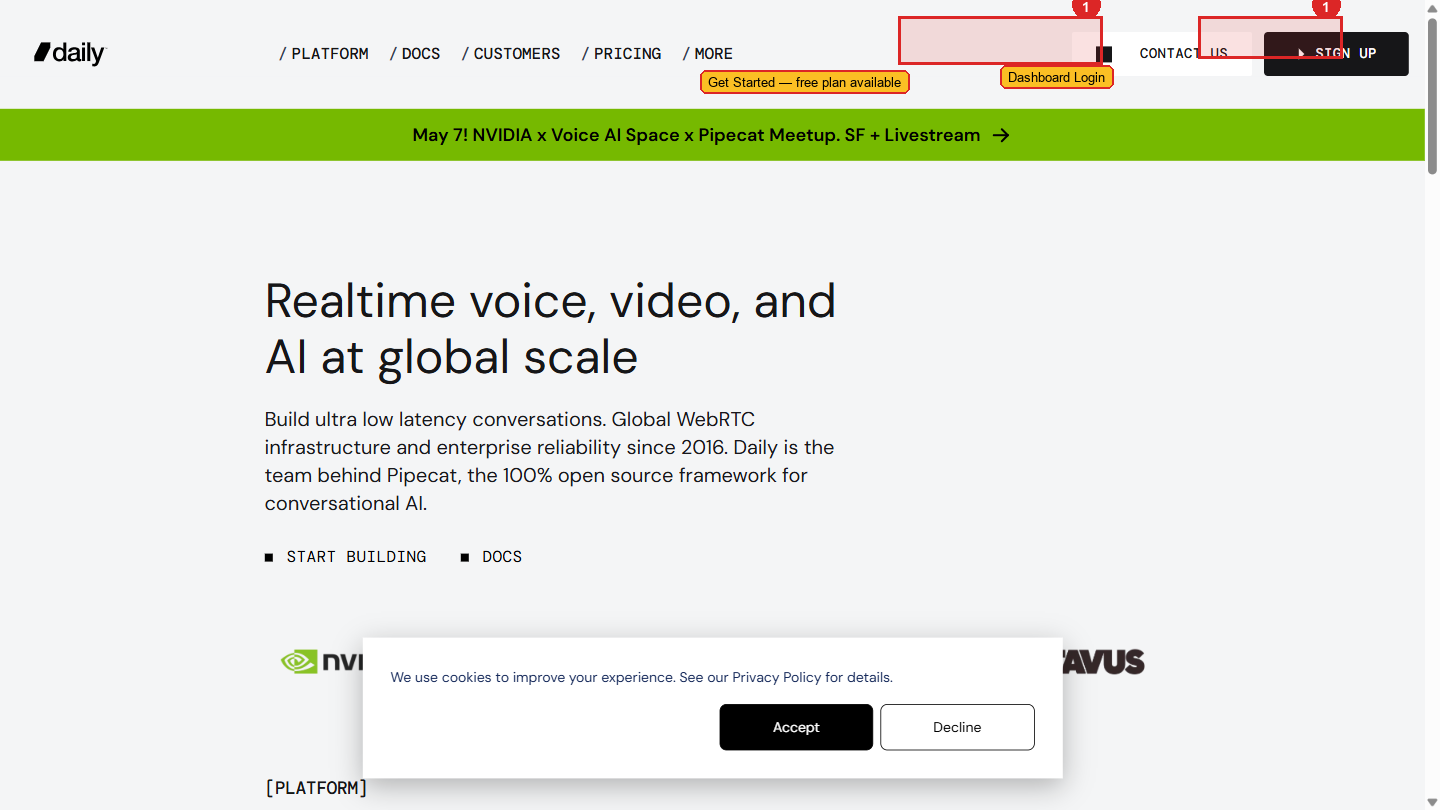 Daily.co's homepage. The free tier (1,000 minutes/month) is enough to build, test, and launch to your first real users.
Which One Should You Choose?
Choose Jitsi When...
- You are prototyping or in early testing
- You want something working in under an hour
- Budget is zero
- You don't need programmatic room creation
- The video room doesn't need to tie into your scheduling/auth system yet
Choose Daily.co When...
- You are building a production feature with real users
- Rooms need to be created when a meeting is scheduled and expire when it ends
- You need to control who can join (participant tokens)
- You want recording, analytics, or advanced controls
- You are building a proper consultation, coaching, or telemedicine product
For the Aurora Public School project specifically: The partner-customer consultation feature will use Daily.co. Jitsi is for your own learning and early prototypes. Build with Jitsi first to understand the concepts, then implement Daily.co for the real product.
What You Will Build
By the end of this module, you will understand how to:
- Embed a Jitsi video room into a React component in under an hour
- Set up a Daily.co account and find your API key
- Create a video room from a Supabase edge function (server-side, API key stays secret)
- Return the room URL to your frontend and open it for the user
- Handle the real production details: expiring rooms, browser permissions, mobile compatibility
Let's start with the simpler option.