Expo & EAS — Overview
What Expo and EAS are, why they exist, and how they take your React Native code from your laptop to someone's phone on the App Store.
You've built the Aurora Public School customer app with React Native. It runs on your laptop. You can scan a QR code on your phone and see it working.
Now the client asks the natural next question: "When can my customers download it?"
That's a different problem entirely. Getting a React Native app from "runs on my phone during development" to "available on the App Store for anyone to download" involves:
- Compiling your JavaScript code into a real native binary that iOS and Android can run without Expo
- Signing the binary with certificates that prove it came from you (required by both Apple and Google)
- Submitting it to the App Store and Play Store, with screenshots, metadata, privacy policies, and compliance forms
- Getting through Apple's and Google's review processes
- Keeping the app updated after launch without requiring users to manually update every time
This entire pipeline — from code to app stores to your users' phones — is what EAS (Expo Application Services) manages.
The "Why First" Scenario
A plumber has been using your Aurora Public School partner app during beta testing via Expo Go. It works. He likes it. He tells three colleagues.
They ask: "Send me the link to download it."
You send them the Expo Go QR code. They download Expo Go, scan the code, and the app loads — but it looks wrong. Some screens work differently. The push notifications don't fire. The camera integration that you need for KYC document upload doesn't work at all.
This is because Expo Go is a development preview tool. It does not support every native feature. Your app is not really "on their phone" — it's running inside Expo Go's container, which has its own limitations.
To put a real, standalone app on someone's phone — one that works like a normal app without Expo Go — you need EAS Build to compile it.
This is the transition this section covers: from development preview to real app.
The Excel Analogy
Think about the difference between:
Option A: You share an Excel file with a client. They open it in Excel. It works — but only if they have Excel installed, and only if they're connected to your network, and it behaves slightly differently on their version of Excel than on yours.
Option B: You export the model as a PDF report. It looks identical on every device. Anyone can open it. No Excel required. No version differences. It's a finished, self-contained product.
Expo Go is Option A. It works for development, but it's not a finished, self-contained product. The experience depends on Expo Go's version, your network, and its limitations.
EAS Build is Option B. It takes your code and produces a finished binary — an APK for Android or IPA for iOS — that is completely self-contained, works offline, and behaves identically for every user.
Expo, EAS, and React Native — How They Relate
These three things are related but distinct. Here's the clearest way to think about them:
| Term | What it is | The analogy |
|---|---|---|
| React Native | The framework for writing cross-platform mobile apps in JavaScript | The engine under the hood |
| Expo | A toolset on top of React Native that handles device hardware (camera, GPS, notifications) and makes development faster | A well-equipped workshop with all the tools pre-installed |
| Expo Go | A free app for your phone that lets you preview your code during development | A test drive in a demo car |
| EAS (Expo Application Services) | The cloud platform that builds, submits, and updates your finished app | The factory that manufactures and ships the final product |
| EAS Build | The specific EAS service that compiles your code into a real app binary | The assembly line |
| EAS Submit | The EAS service that submits your binary to the App Store / Play Store | The distributor |
| EAS Update | The EAS service that pushes JavaScript updates to users without a new store submission | The software update system |
You will use all of these. But you use them in sequence — not all at once.
The Journey from Code to User's Phone
Understanding the full sequence makes every individual step make sense:
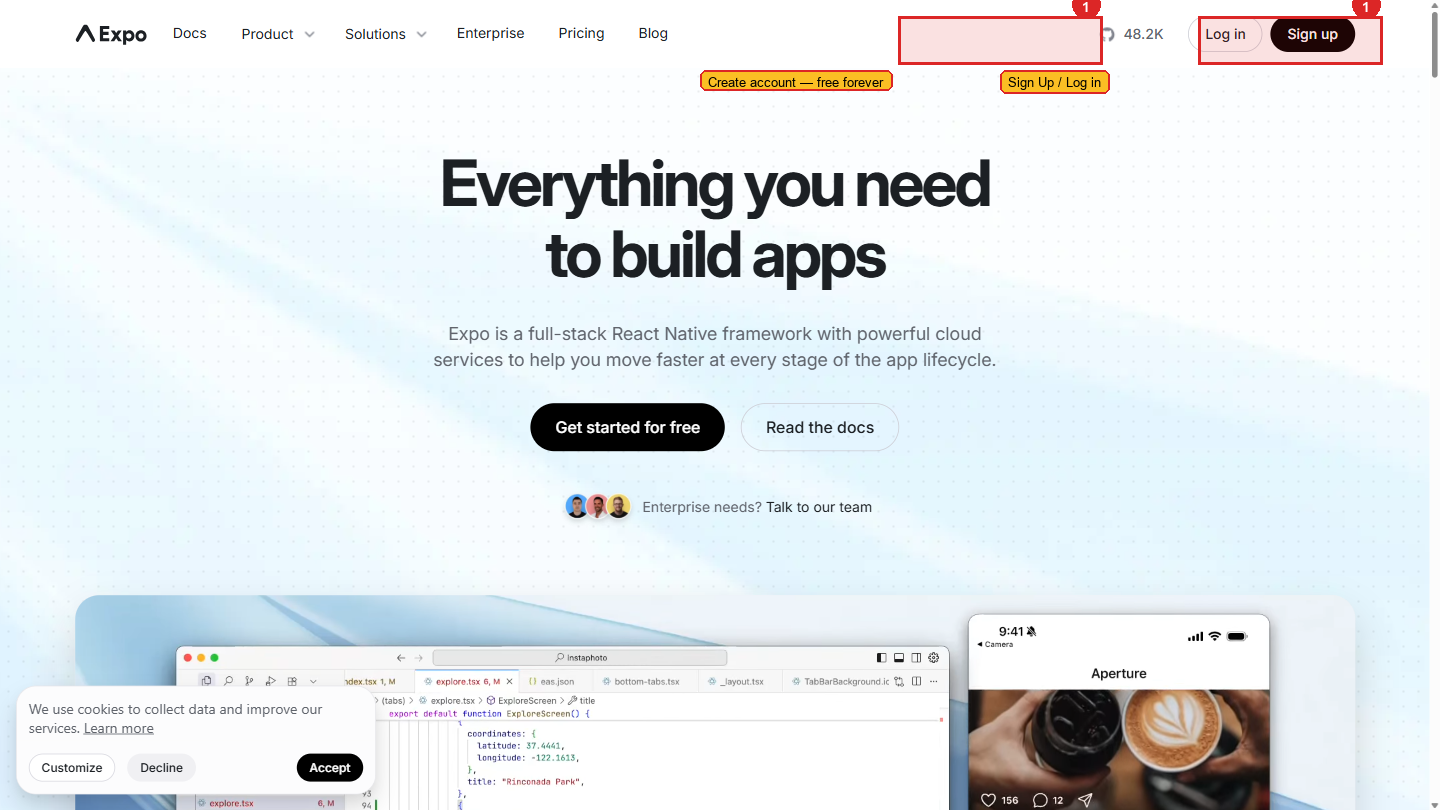 expo.dev — the home of Expo and EAS. Your account, builds, submissions, and updates all live here.
Each step in this sequence is covered in this section.
iOS vs Android — The Reality
iOS development requires a Mac or a paid Apple Developer account. React Native code runs on both iOS and Android, but building and testing an iOS app from a Windows machine has significant limitations:
- You cannot run an iOS simulator on Windows — simulators require a Mac with Xcode
- You CAN build an iOS app using EAS Build (the compilation happens on EAS cloud Mac servers, not your laptop)
- You CAN test on a real iPhone using TestFlight, but only if you have an Apple Developer account ($99/year)
- To submit to the App Store, you need an Apple Developer account regardless
For this workshop on Windows machines: Focus on Android first. Get the Android version working end-to-end. For iOS, use EAS Build's cloud compilation and test via TestFlight when the Apple Developer account is ready.
| Feature | Android | iOS |
|---|---|---|
| Expo Go preview | Works on any Android phone | Works on any iPhone |
| EAS Build | Works from Windows | Works from Windows (cloud build) |
| Simulator/Emulator | Android Studio emulator on Windows | iOS Simulator: Mac only |
| Real device testing (non-store) | Install APK directly | TestFlight only (requires Apple Developer account) |
| Developer registration fee | $25 (one-time) | $99/year |
| App store review time | 1–3 days | 1–5 days |
| Review strictness | Moderate | High — Apple rejects apps for policy violations |
What You'll Have After This Section
| Page | What you'll be able to do |
|---|---|
| Account Setup | Create an Expo account, install EAS CLI, log in |
| Expo Go | Preview your app on a real phone in seconds |
| EAS Build | Compile a real Android APK and install it on a test device |
| App Stores | Understand the Play Store and App Store submission process |
| EAS Update | Push code fixes to users without going through store review |
| Verification | Confirm your Expo account, CLI, and Expo Go preview are all working |
EAS free plan: 30 builds per month, shared build queue (may wait 10–15 minutes for a build to start). Priority builds (faster queue) require a paid plan. 30 builds per month is sufficient for training — a typical project uses 5–10 builds before submitting to the store.