What is Vibe Coding?
The shift from typing code to describing intent. Why it's the right entry point, and what it teaches that nothing else can.
Vibe coding is the term for building software by describing what you want in plain language to an AI that writes and runs the code for you. You stay in plain English. The AI handles the technical layer.
The phrase was popularised by Andrej Karpathy — "I just see things, say things, run things, and copy paste things, and it mostly works." It captures a real shift in how software gets made: the bottleneck is no longer typing speed or syntax knowledge. It's how clearly you can describe what you want.
How Vibe Coding Differs From Coding
| Traditional coding | Vibe coding | |
|---|---|---|
| Input | Code you type | Plain English you describe |
| Output | Programs you compile/run | A live preview that updates as you describe |
| Tools | Editor, terminal, build tools | A chat box on a website |
| What you debug | Compilation errors, runtime crashes | The gap between what you said and what appeared |
| Skill that matters most | Knowing syntax + system design | Knowing what to ask for + judging the result |
| Time to first running version | Hours to days | Minutes |
Both produce real software. Vibe coding is faster but coarser. Traditional coding is slower but more precise. Most real projects today use both — vibe-code the rough structure, then drop into the real stack to fix the parts that matter.
When you click "Plan a Visit" on the school site Lovable builds, a real HTTP request travels from the visitor's browser to a server and back. The playground below shows what that journey looks like — useful context before you start prompting.
What Vibe Coding Is Good At
- Landing pages and marketing sites. "A page for my school with a hero, three branches, and a contact form" is a 5-prompt job.
- Internal dashboards with rough UIs. "A dashboard that shows total students per branch" — the AI builds it instantly.
- Throwaway prototypes. When you need to feel a flow before committing to it.
- Visual exploration. Try three different colour palettes and three different layouts in 20 minutes.
- Anything you would otherwise not start at all. A so-so live website is infinitely better than a perfect one that never ships.
What Vibe Coding Is Bad At
- Anything where exact data correctness matters. "Calculate the GST on this invoice and round to two decimals" — the AI might produce code that looks right and is subtly wrong.
- Anything where security matters. RLS policies, payment verification, auth tokens — these need to be exact, not "vibe."
- Long-term ownership. The code Lovable generates is real code, but it is rarely the code you would write yourself. After 50 prompts the codebase becomes hard to reason about. For something you plan to maintain for years, vibe-code the prototype and then rewrite it properly.
- Integration with other systems. "When a parent pays via Razorpay, mark the fee as paid in the database and send an SMS" requires precision across four moving parts. Lovable can describe such a flow but not reliably implement it.
The line between "vibe-code it" and "build it properly" is fuzzy, but a useful rule of thumb: if getting it wrong has consequences beyond ugly UI, build it properly.
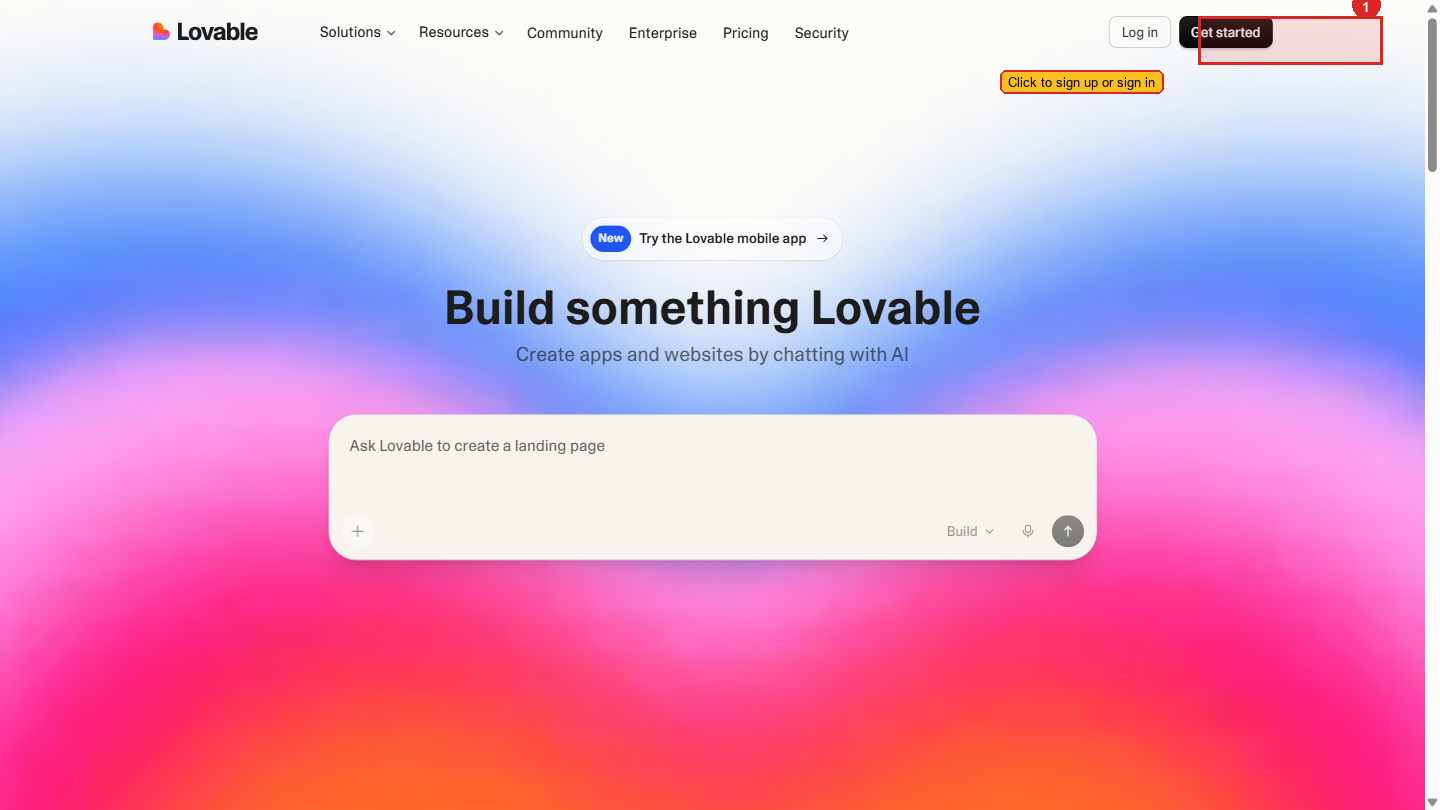
Lovable, Bolt, v0, and the Rest
Several tools compete in this space. They all do roughly the same thing — chat input, live preview, deploy button — with different defaults and strengths.
| Tool | Strength | Notes |
|---|---|---|
| Lovable | Strong React + Tailwind output, good for full sites with multiple pages, integrated GitHub + Supabase | What we use in this project |
| Bolt | Fast iteration, in-browser dev environment | Great for prototypes; less polished output |
| v0 (by Vercel) | Component-level generation, beautiful UI primitives | Great when you want one polished component |
| Replit Agent | Full-stack with database, runs your code | More general-purpose than the others |
For Project 1, we use Lovable because:
- The output is React + Tailwind — the same stack you build with in Project 2, so the transition feels natural.
- Multi-page sites work well out of the box.
- The free tier is credit-based — a meaningful number of prompts per day. If you work in focused sessions over a few days, the credits are enough to finish the project. If you want unlimited prompts in one sitting, the Pro plan is available.
- Deploys to a public URL with one click — no extra setup.
The skills you build in any vibe coding tool transfer to the others. The mental model — prompt, see, iterate — is the same everywhere.
The Mindset Shift
The hardest thing about vibe coding for most people new to it is not over-prompting.
You will be tempted to write one giant prompt: "Build me a complete school website with five pages, a contact form, an admissions calculator, a parent login, and a fee dashboard, dark mode, mobile-responsive, with animations on scroll."
That prompt will produce something that looks like what you asked for and is broken in five ways you cannot see yet. The AI cannot hold all of that in working memory at once.
The mindset that works:
- Start small. "Make me a one-page site for a school called Aurora Public School in Mumbai. Hero with school name and a tagline."
- See what came back.
- Change one thing. "Make the hero background a deep indigo and the tagline white."
- See what came back.
- Repeat for an hour.
You will end up with 30 small prompts instead of one big one — and a site that is far better than the one big prompt would have produced.
This is the same mindset that works in Claude Code. Small, incremental, verifiable steps beat ambitious leaps every time.
Ready
Now that you know what vibe coding is and is not, the next step is deciding what to build. Spend 10 minutes thinking through it. The clearer you are before you start, the better Lovable will perform.