The Lovable Workflow
Sign up, send the first prompt, iterate. The minute-by-minute rhythm of a productive Lovable session.
This page walks you through your first Lovable session end to end. By the time you finish reading and doing the steps in parallel, you should have a working school home page.
We assume you have completed the previous page and have your brief written down.
1. Sign Up
Open lovable.dev and sign up with the same Gmail you used for everything else in this training. Lovable will ask for your account email. Use the project Gmail if this site is for a real school, or your personal Gmail for a fictional one.
You get a free tier with a small daily message limit. That is plenty for Project 1.
2. The First Prompt
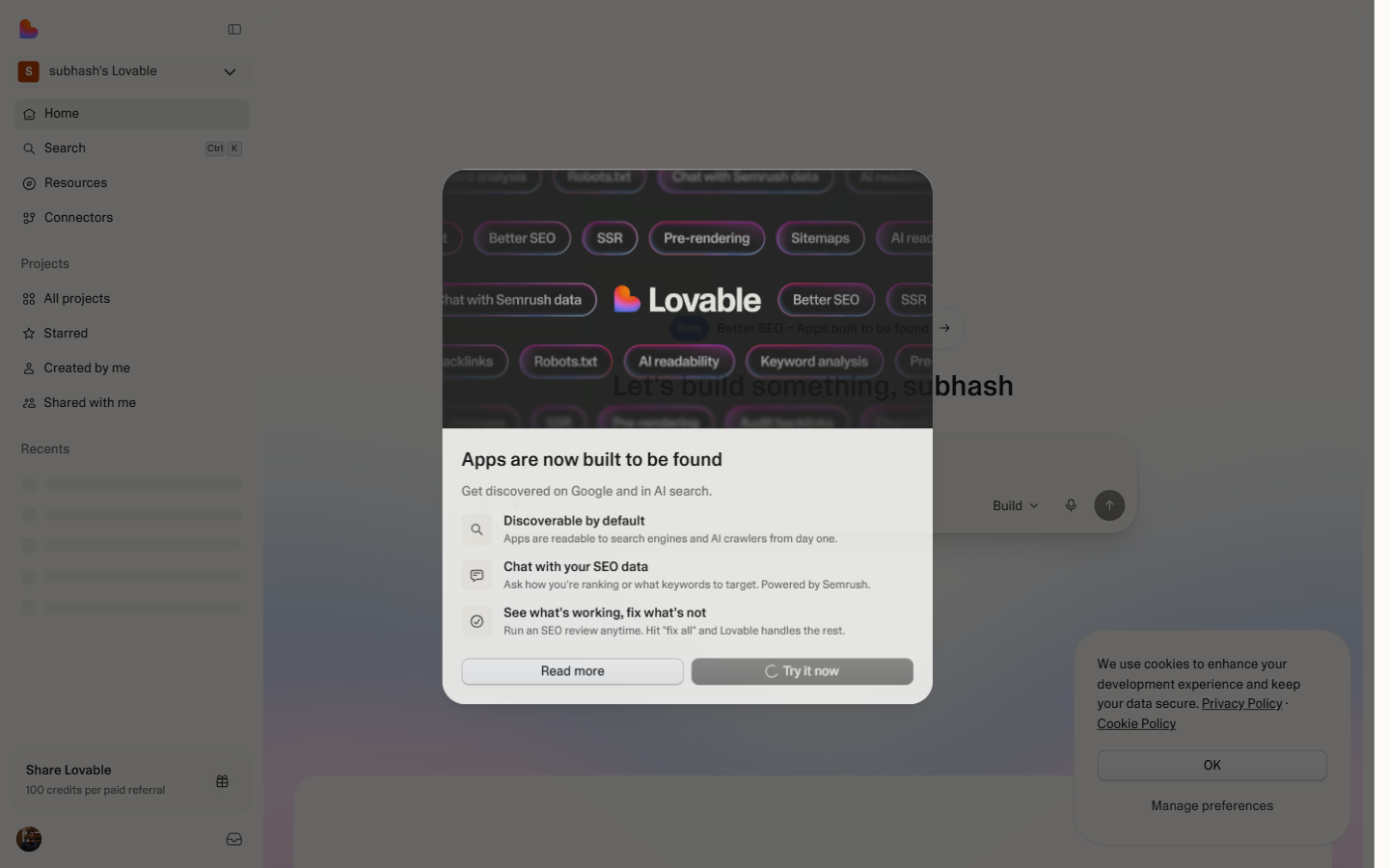
When you land on Lovable's home, you will see a chat box that asks "What do you want to build today?"
Do not paste a giant prompt yet. Start with a small, specific one.
Use this template, filling in from your brief:
Fully filled example:
Paste this. Hit send.
3. What Happens Next
Lovable will think for 15-40 seconds. You will see status messages: "Setting up your project ... Creating the layout ... Wiring up Tailwind ... Deploying to preview."
When it finishes, the right pane shows a live preview of your site.
Your first reaction will probably be: "It is not what I wanted." That is normal. The first generated version is rarely close to ideal. Do not start over. Iterate.
4. The Iteration Loop
This is the rhythm you will be in for the next 1-2 hours:
- Look at the preview. What's wrong? What's off? What's missing?
- Pick the single biggest issue. Not three issues. One.
- Describe the change in one sentence. Specific. Concrete.
- Send the prompt. Wait 10-30 seconds.
- Look at the new preview. Did it fix the thing? Did it break something else?
- Repeat.
Some example single-change prompts that work well:
| What you see | What to ask |
|---|---|
| Hero is plain and grey | "Make the hero background a deep indigo (#312E81) with white text and an amber CTA button" |
| Photos look generic | "Replace the hero image with a wide shot of children in a colourful classroom" |
| Spacing is too tight | "Increase the padding on every section by about 50%. Make the sections feel breathable" |
| Branches list is boring | "Turn the branches into cards with rounded corners, a small map pin icon, and a hover effect" |
| Wording is too corporate | "Rewrite the about paragraphs in a warmer, more parent-direct voice. Use 'we' and 'your child'" |
| Mobile looks bad | "Check the layout on mobile and fix anything that's broken — especially the navigation" |
| Colours feel off | "The amber is too orange. Use #F59E0B specifically for buttons and accents" |
Notice the pattern: one change per prompt, specific values where possible, clear nouns ("the branches section", not "that thing at the bottom").
5. When to Add a Page
Once your home page feels close to right (usually after 10-20 iterations), add the next page.
Then iterate on that page the same way.
For the contact form on a third page:
6. Connecting GitHub (Optional, Recommended)
Lovable has a "Connect GitHub" button somewhere in the project settings. Click it. Authorise the connection to the same GitHub account you set up in Module 0.
This pushes every change Lovable makes to a real Git repo on your account. You will not work in the repo directly — that is Project 2. But having the code on GitHub means:
- You can see what Lovable actually generated, in real code.
- You have a backup if Lovable ever loses your project.
- In Project 2, you can clone this repo, look at the structure, and learn from it.
Skip this if it adds friction. The site works either way.
7. Publish
When the site feels done enough (do not chase perfection), find the "Publish" or "Deploy" button at the top of the Lovable workspace. Click it.
Lovable gives you a live URL like aurora-school.lovable.app or similar.
Open that URL in a fresh browser tab. The site loads from the public internet, just like any real website.
That URL is your Project 1 deliverable. Save it.
What Lovable just did in 20-60 seconds — build a production bundle and push it to a CDN — is the same pipeline real teams run through CI/CD. The playground below shows each stage so you know what "deploy" means before you hit it again in Project 2.
8. Share It
Send the URL to one person you trust — a family member, a friend, your spouse. Two-line message:
"I built this in an afternoon. What do you think? What would you change?"
Wait for the response. Their feedback is the most valuable thing in Project 1 — far more than your own opinion. Real users see things you cannot.
Their feedback will surprise you. Probably 2 or 3 things they mention will be different from what you thought needed attention. Note those down. Spend another 30 minutes addressing them in Lovable.
That feedback loop — real user sees real site, gives real feedback, you iterate, ship again — is the production loop you will use for the rest of your career.
9. Wind Down
You should be done within 4-6 hours of work spread across a weekend. Signs it is time to stop:
- The site looks good to you and the person you shared it with.
- You are tweaking the same two things over and over with diminishing returns.
- You are tempted to add features (login, fee payment, etc.) that aren't in scope.
Stop. Move to the next page — When Vibe Coding Breaks Down — which prepares you for Project 2.